Reporting tasks
Run reports, export data, and configure TrueBI.
Not sure which type of report you need?
ConcordLink has four reporting types, dashboards, treasury workflows, standard reports, and data exports, and each one lives in a different place. See Reporting for full definitions and a quick-reference table.
Not sure which type of report you need?
ConcordLink has four reporting types, dashboards, treasury workflows, standard reports, and data exports, and each one lives in a different place. See Reporting for full definitions and a quick-reference table.
Run and export reports
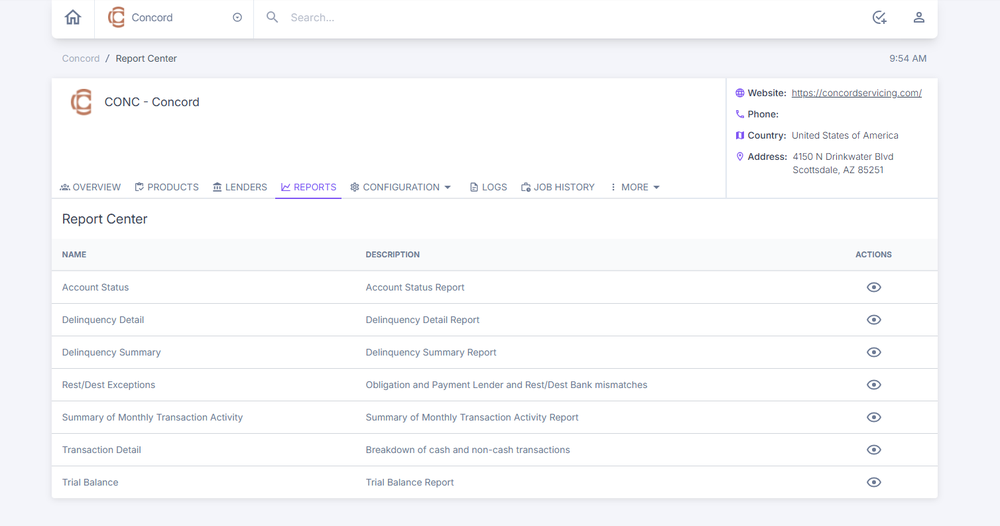
Standard reports are available under the Reports tab on the Accounts Dashboard. For custom or advanced reporting, go to TrueBI on the Home Dashboard, select the applicable client group, and run the configured report.
To export obligation or obligor data, apply the filters you want in the list view, then select the Export icon.
TrueBI reports
TrueBI provides advanced reporting for configured client groups. If no reports have been set up for a client, the page shows "No TrueBI reports configured."
Add a TrueBI report
- From the TrueBI section, select + Report in the top-right corner.
- Fill in the following fields: client, report name, GUID type, TrueBI GUID, sort order, and drill-down activities.
- Select Create.
- Save the report to make it visible in the TrueBI section.

FigureAdding a TrueBI report.